How TaskGrower Works

By Ray Chooi · Founder of TaskGrower ·
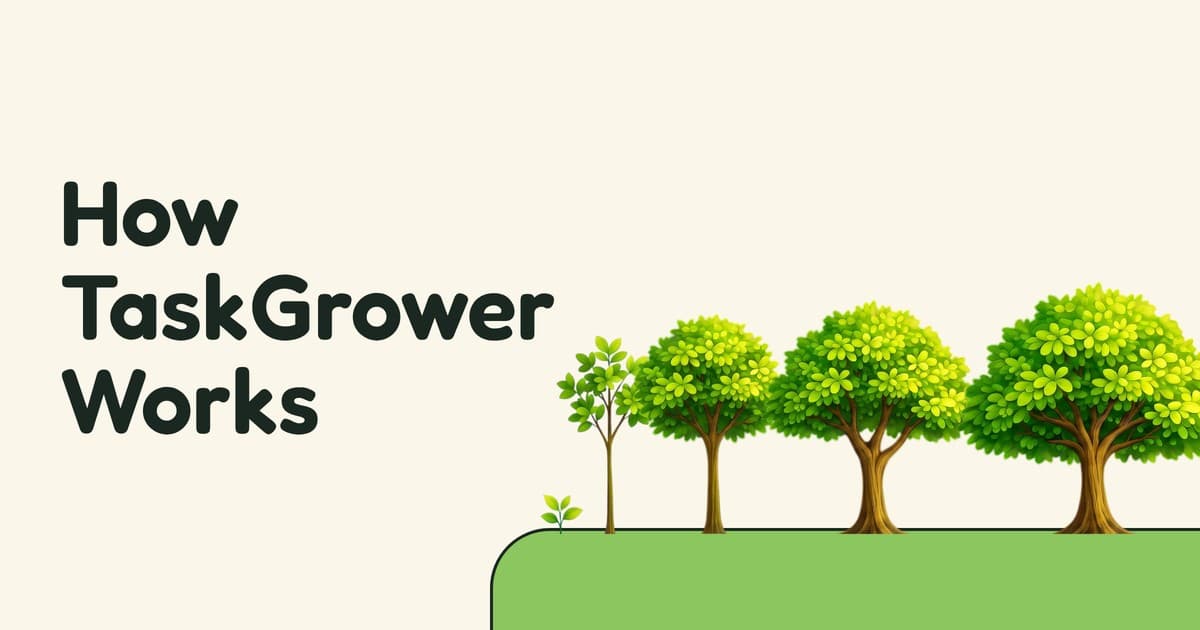
Most to-do lists are good at showing you what still needs doing but what about everything you've already finished?
In TaskGrower, every task you check off grows a tree, a moon, or anything you can imagine. Each day grows a unique creation shaped by what you've accomplished.
Everything you've grown comes together in a gallery you can look back on each week, month, or year.
Here's how it works.
Choose what grows
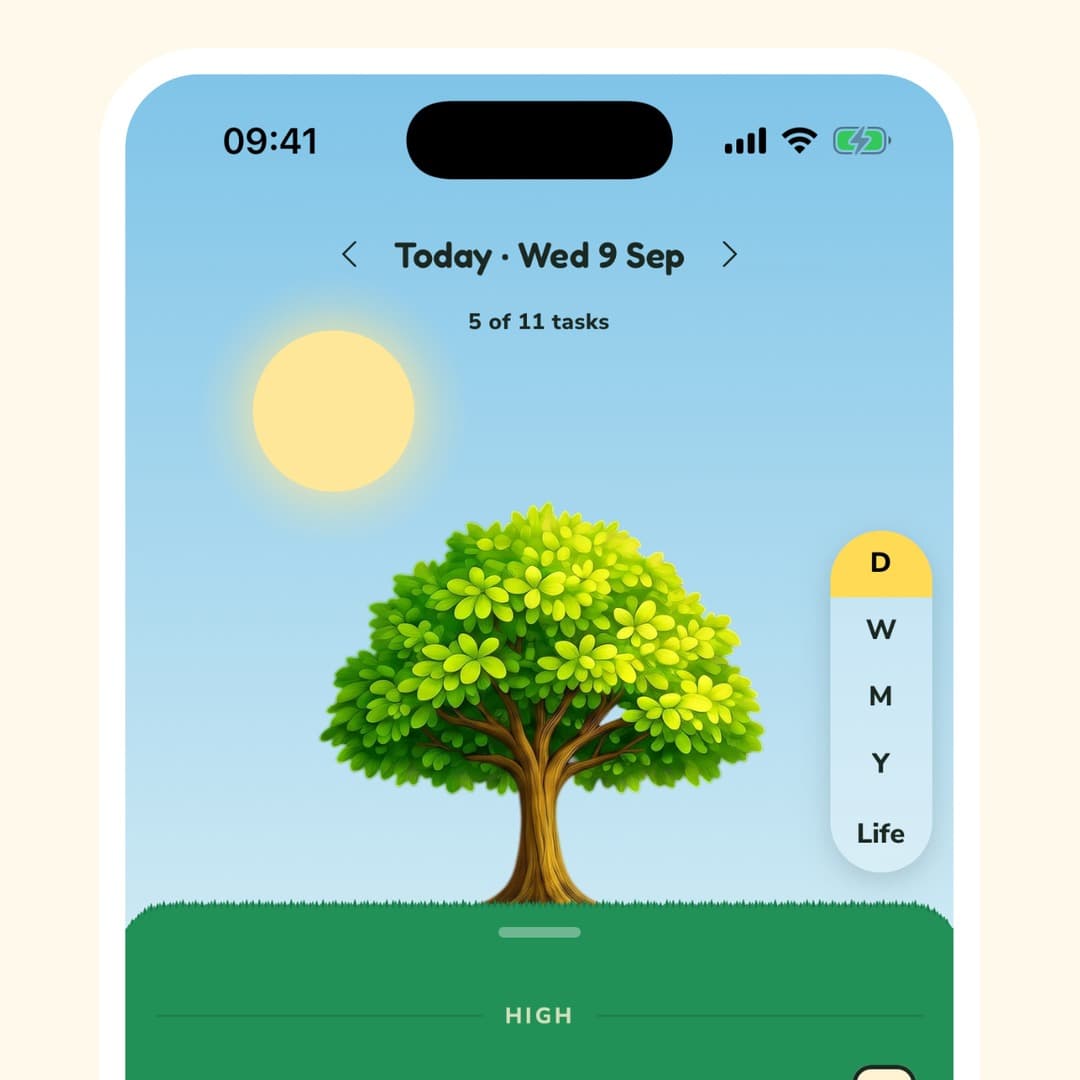
Pick a design that suits your day, a tree, a beaver, or another growth from your collection. Then tap Start Growing.
As you finish tasks throughout the day, your design grows with you. Each day can look different and you can switch what you grow whenever you want without losing your progress.
Plan your day
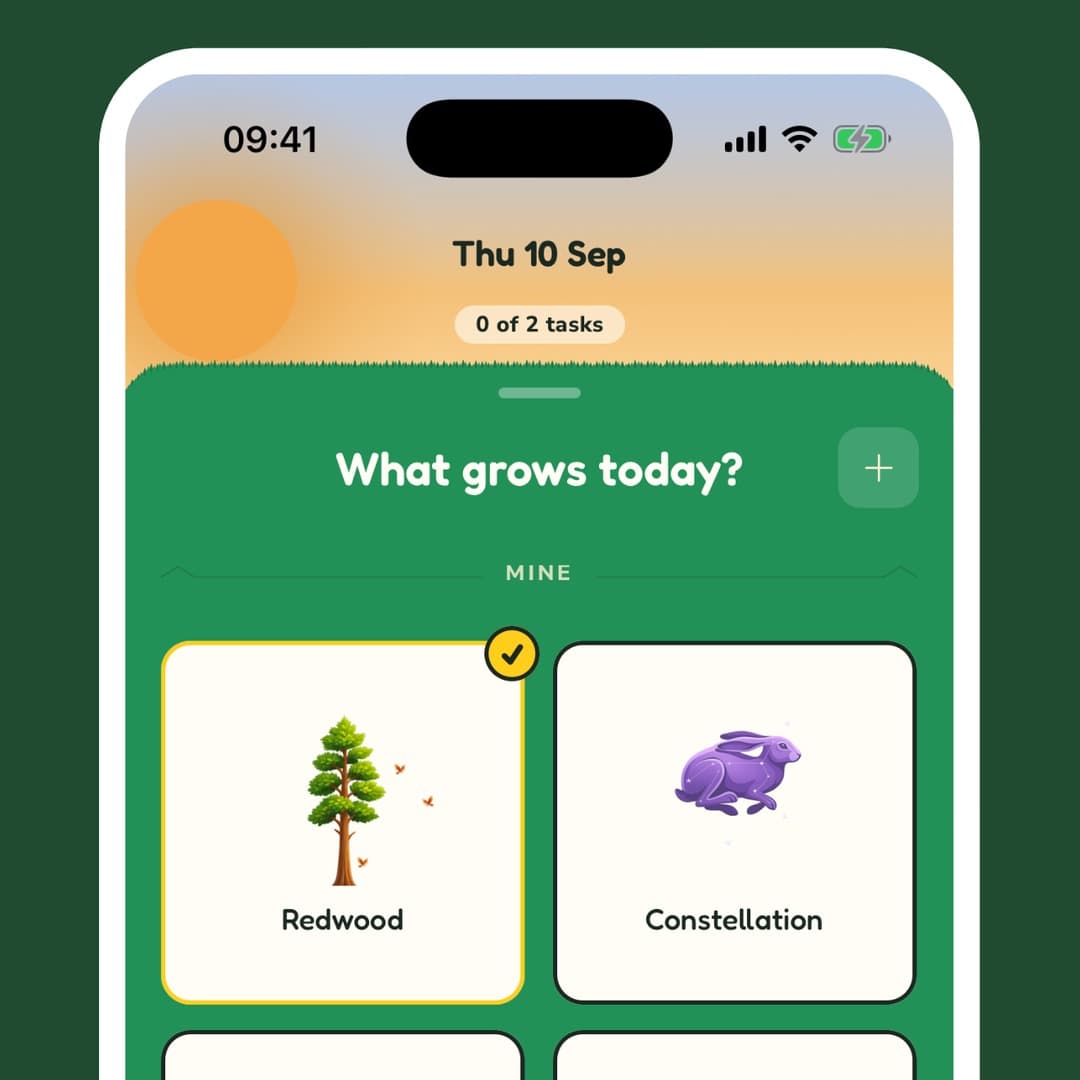
Tasks, habits and focus sessions all live in 1 list, so you can manage your day in one place.
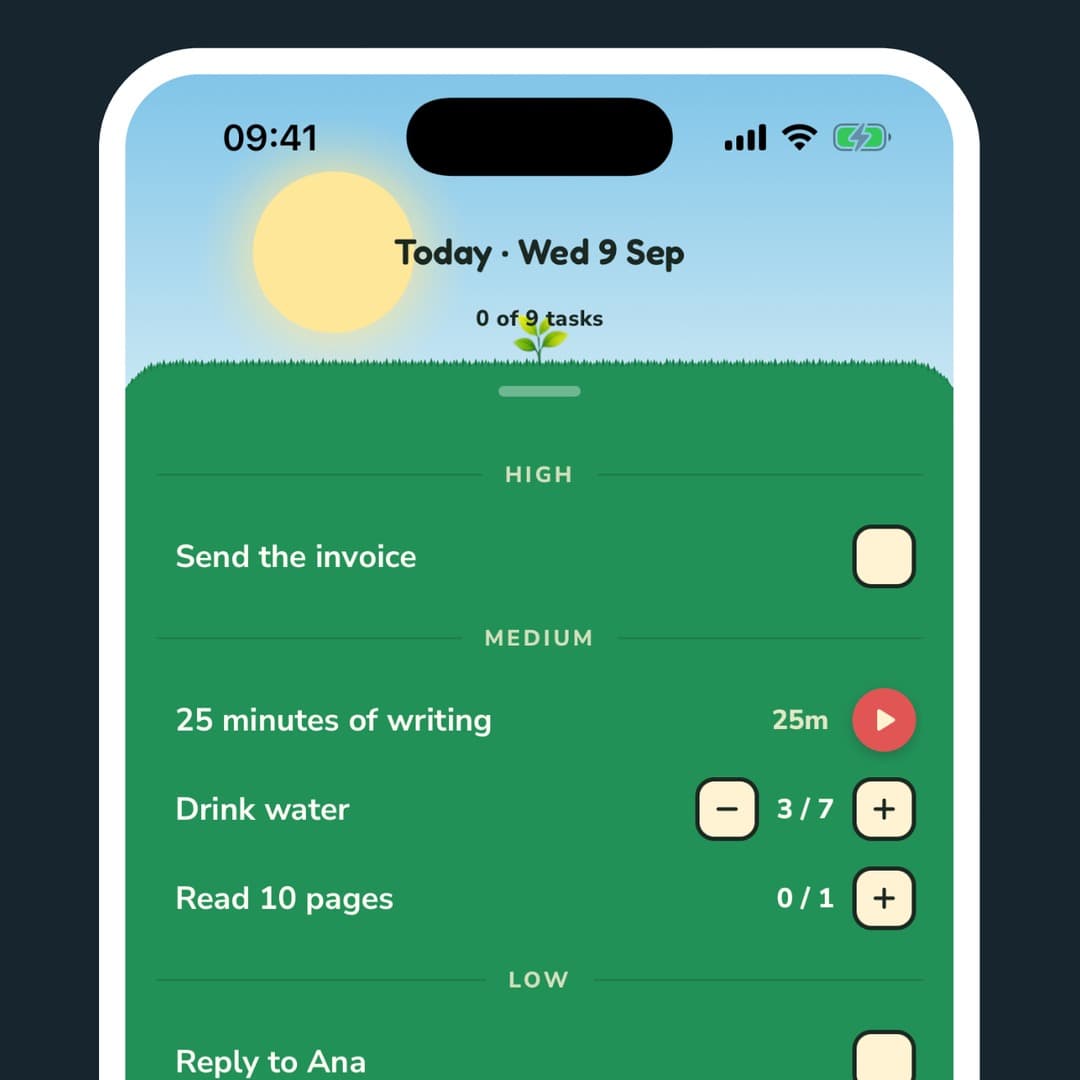
When you add tasks, TaskGrower assigns priorities by default. Your first task goes into High, the next 3 into Medium, and the rest into Low. It's based on the 1-3-5 rule: plan around 1 big thing, 3 medium things and a handful of small ones.
This gives your day a balanced starting point, rather than treating every task as equally important. Not every day will look the same. Some days call for big projects, others are full of small errands. You can move tasks around, change their priority, or add as much as you need.
Everything you finish makes it grow
Check off a task and your design grows. Complete a habit and it grows again. Focus sessions count too.
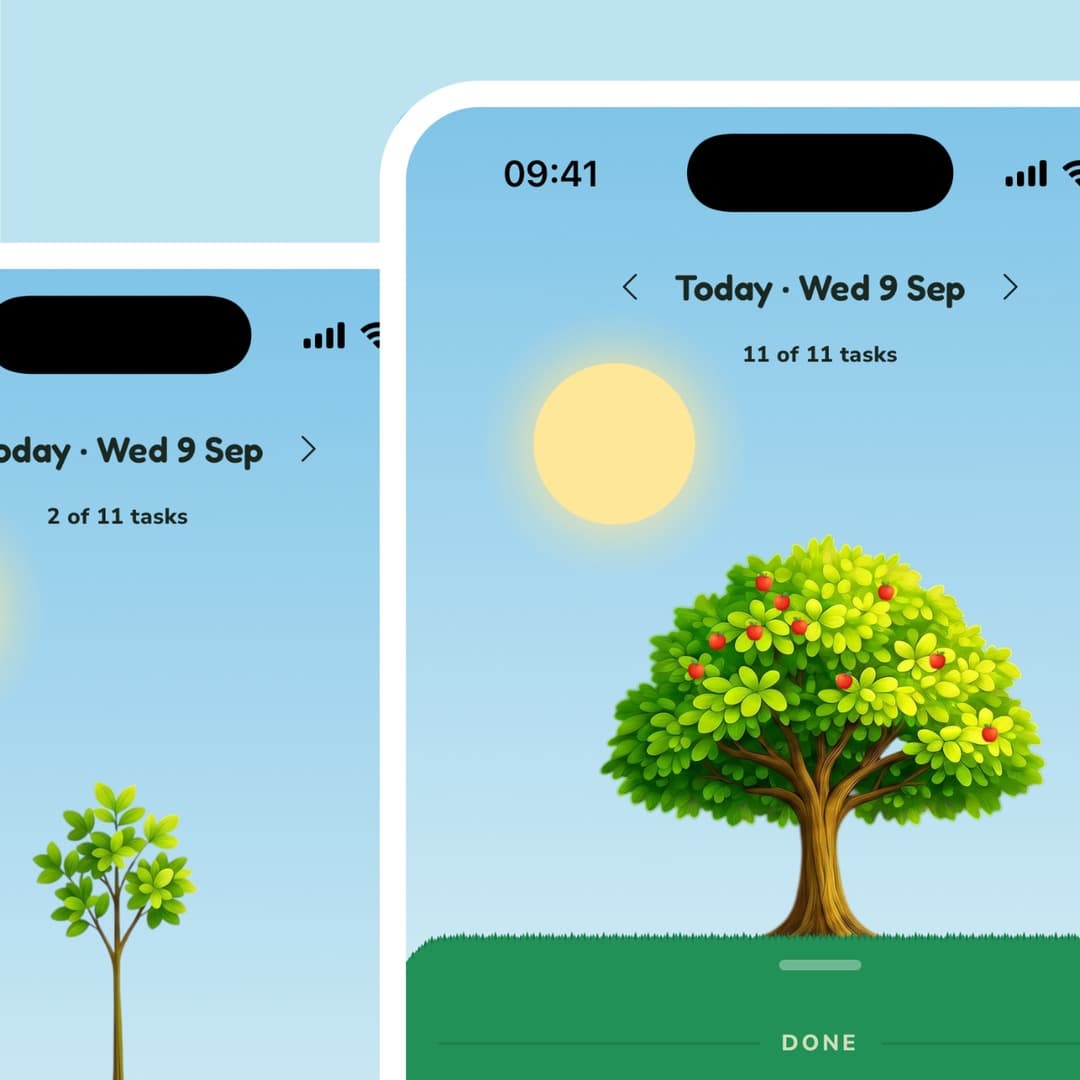
Instead of completed tasks disappearing into a list, each one transforms into a part of your growth. Research behind the progress principle found that small, noticeable wins can change how people feel about our work.
Pick a task and focus
When you're ready to get started, Up Next shows 1 task at a time, starting with your highest priority. Instead of deciding what to tackle each time, you can focus on the tasks that matter the most. Inspired by the productivity method and book, Eat that frog!.
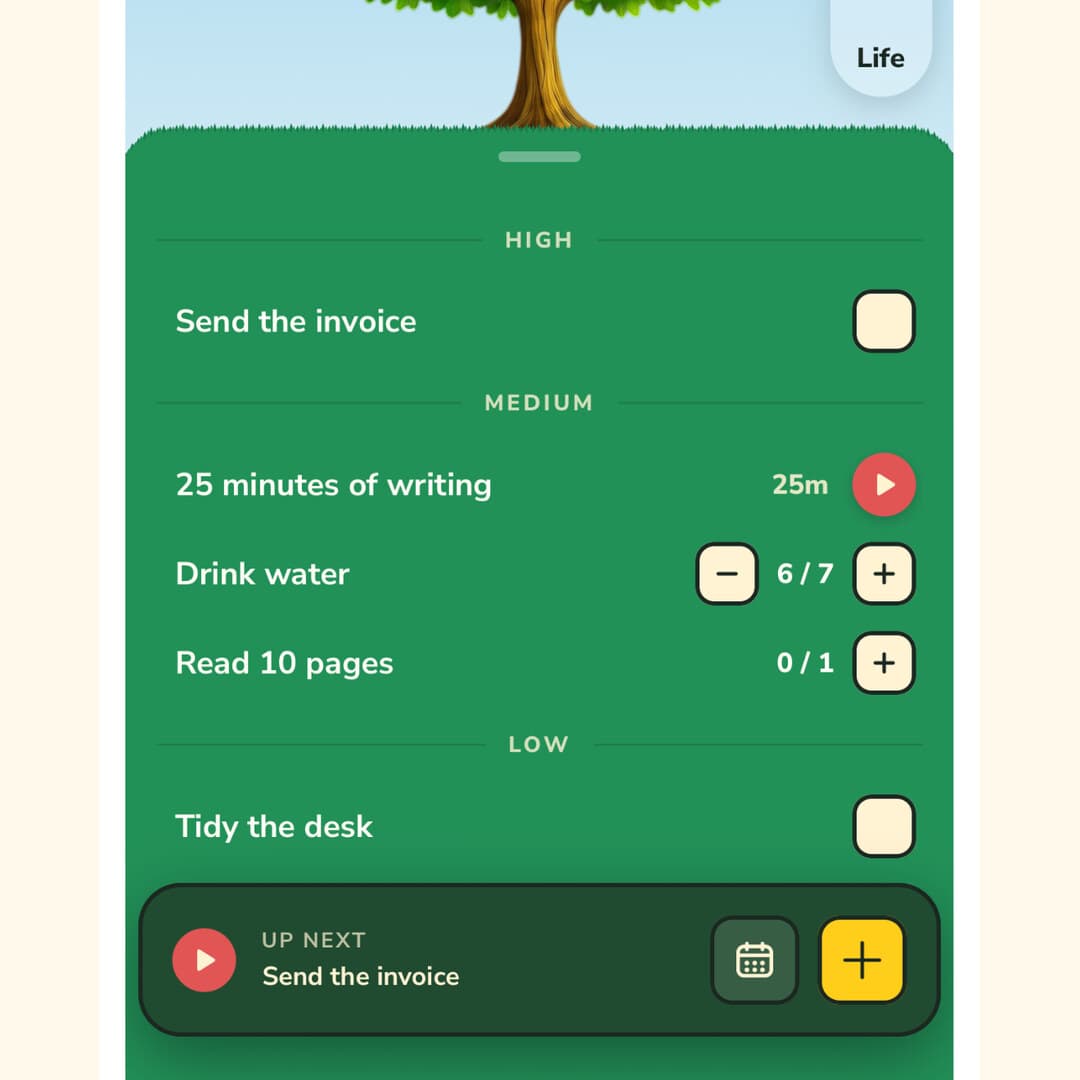
When a task needs your full attention, turn it into a focus session. The timer starts at 25 minutes, followed by a short break, but you can change the length to whatever suits you. It's the Pomodoro Technique, built right into your task list.
TaskGrower also records how long your timed work actually took, so you can compare it with what you planned. Over time, you can spot where you tend to underestimate or overestimate tasks, a common problem known as the planning fallacy.
Plan ahead, start fresh
Plan tomorrow before it arrives (Ivy Lee method). Swipe to the next day to add tasks, or open the week view to plan further ahead. Not sure which day a task belongs on? Leave it in 'This week' until you're ready to decide.
Not every day will go as planned. When tasks are left unfinished, TaskGrower helps you pick up where you left off without piling everything onto today.
Tap Pick up to see what's left, already sorted into available slots in the 1-3-5 shape. Next priority tasks are placed later in the week and the rest stay where they are for when you're ready. You can also make this automatic, or let go of tasks you no longer need.
And there are no streaks to break. Miss a day and nothing resets. Your past growths stay as they were and there's no empty patch on your month's reflection to remind you. Each morning is another chance to grow which echoes the idea productivity researchers call the fresh start effect.
Look back at what you've grown
Your growth doesn't disappear when the day ends. It becomes part of a collection you can look back on.
Zoom out from today and you see your week. Zoom out again and your days gather on a month's island. Keep going to see your year, and then everything you've grown in TaskGrower.
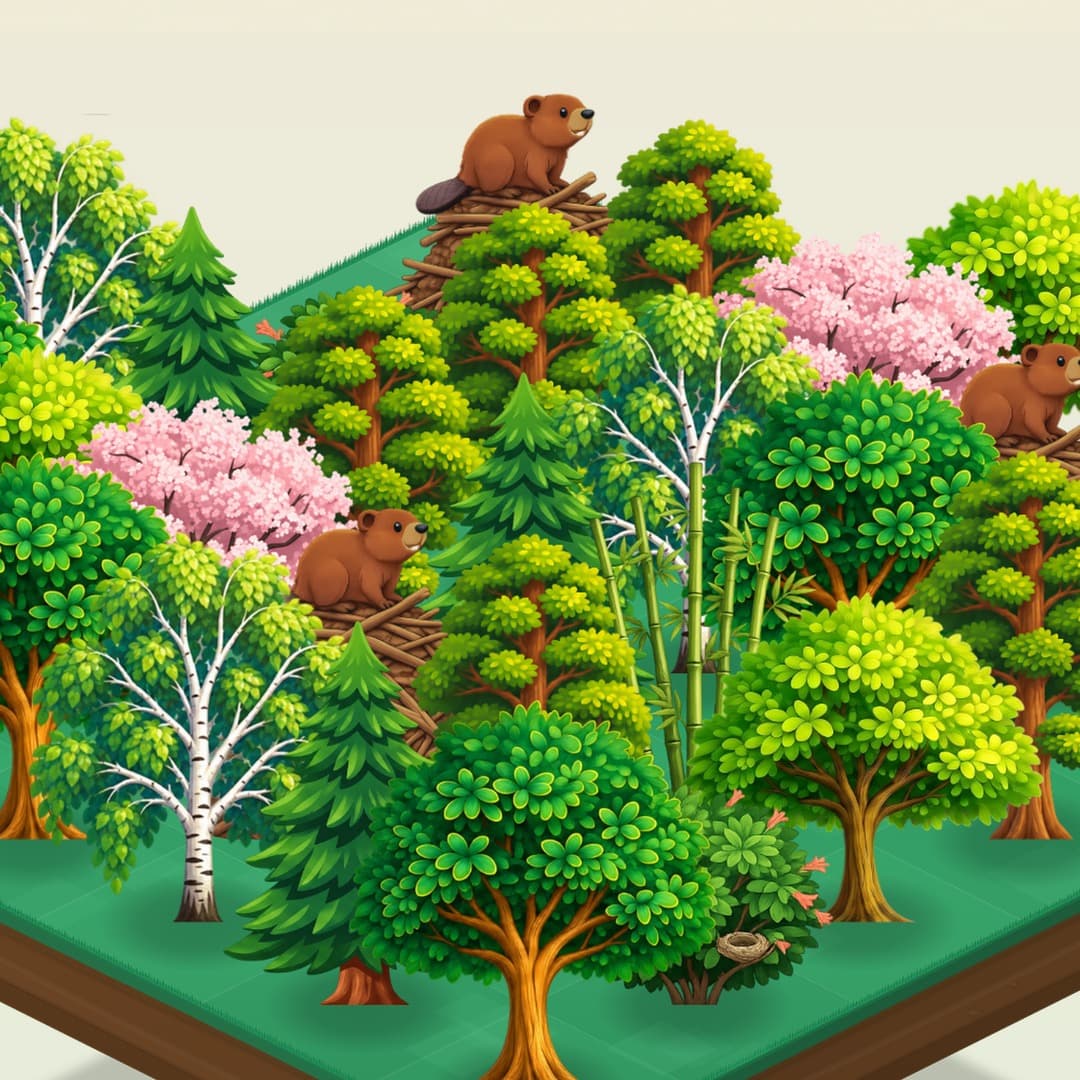
Each tree, moon or design is a day you showed up and got tasks done.
Instead of only remembering what was left undone, you can see what you've accomplished over time. A month that felt like a blur becomes an island of growths you can explore, reflect on and share.
Make it yours
Want to grow a design of your own? Use the builder to create one. Draw a flower, experiment with colours, or come up with a completely new idea. Then watch your creation evolve as you complete tasks.
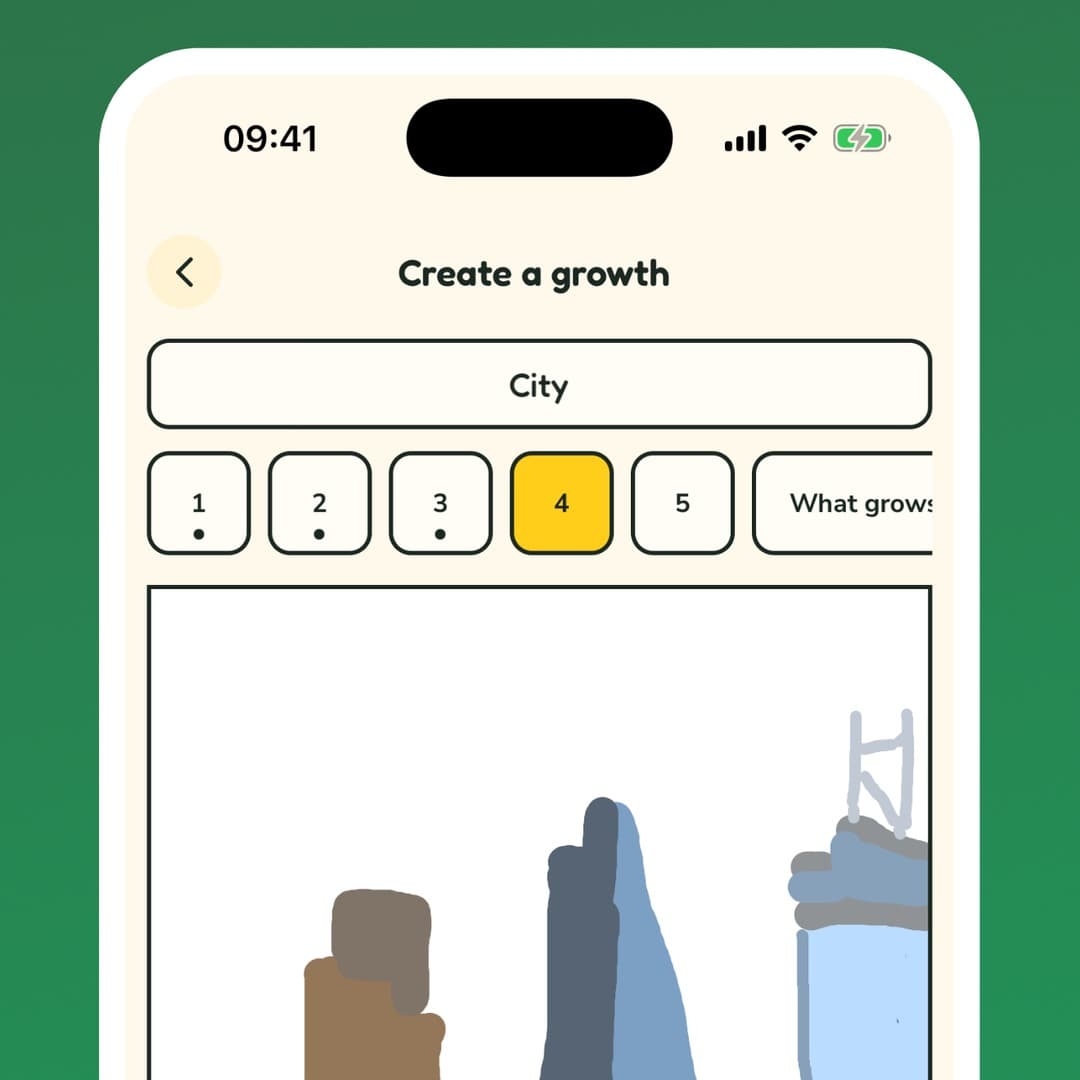
There's a different kind of satisfaction in growing a design you made yourself, even a slightly lopsided one. The IKEA effect helps explain why we tend to value things more when we've had a hand in creating them.
Learn as you go
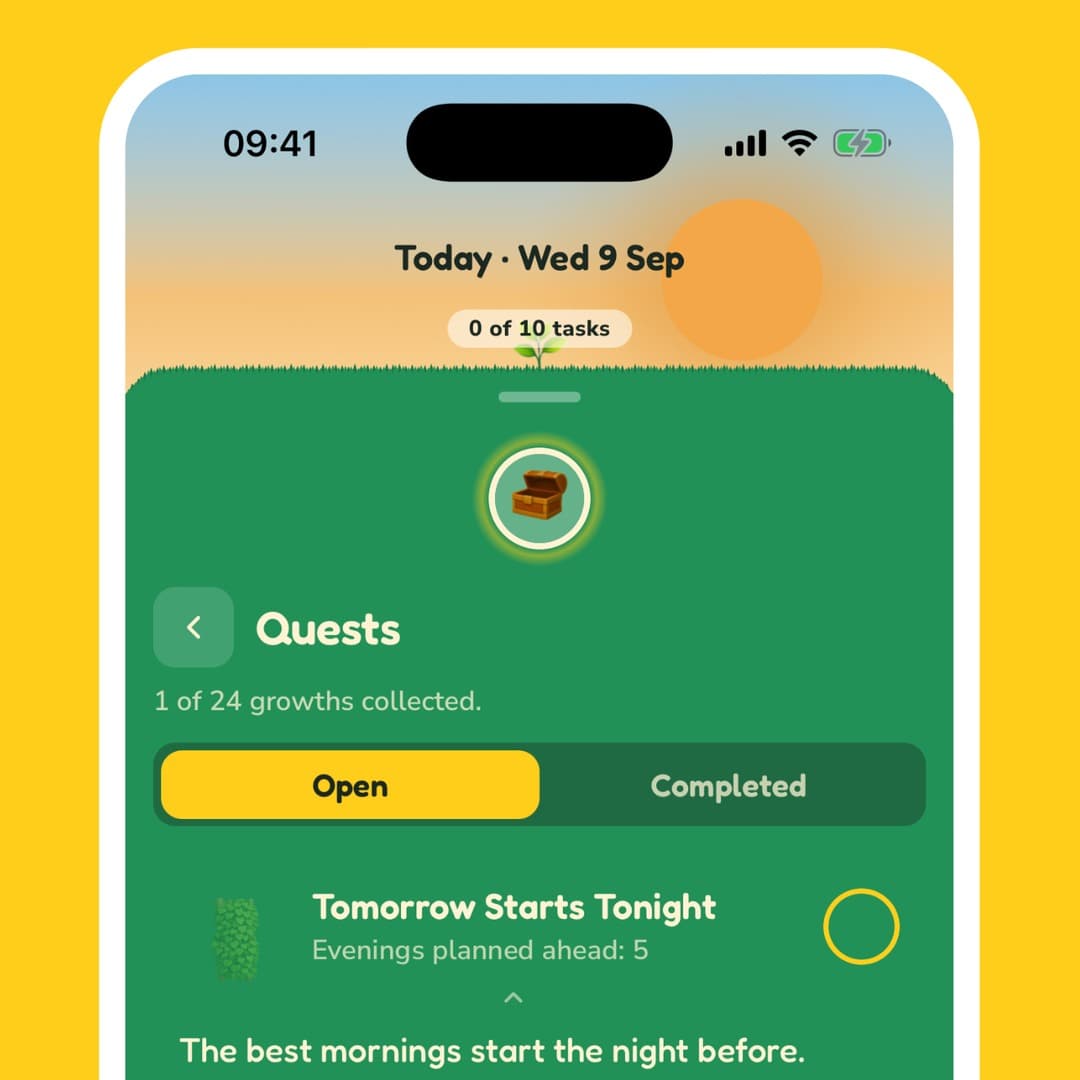
You don't need to know every productivity method before you start. TaskGrower's quests help you learn by doing, with small challenges that introduce new features and ways to plan your day. Complete a quest and you'll earn a new growth to use.
Your first quest, Lift Off, gets you started: tap start growing, add 3 tasks and check 1 off. Later, The Big One challenges you to finish your High task on 5 different days, rewarding you with the frog pond growth.
Other quests cover Pomodoro, planning ahead and building habits. Instead of just reading about productivity, you get to try each idea for yourself and see what works for you. You don't need to feel ready to start.
Free, with optional Plus
Tasks, habits, focus sessions, planning and looking back at your growth gallery are all free. There's no trial countdown, and your progress syncs across your devices. You can also create and save 2 of your own designs for free.
TaskGrower Plus gives you more ways to make the experience yours. Explore growths shared by the community, upload images in the builder and create as many designs as you like.
The tools to plan your day, get things done and look back on your progress stay free. Plus is for people who want more creative freedom.
Start growing
You don't need a perfect plan, a new routine or a big goal. Pick what grows. Add 3 tasks. Check 1 off. Watch your first growth take shape.