How to Handle Unfinished Tasks Without Letting Them Pile Up

By Ray Chooi · Founder of TaskGrower ·
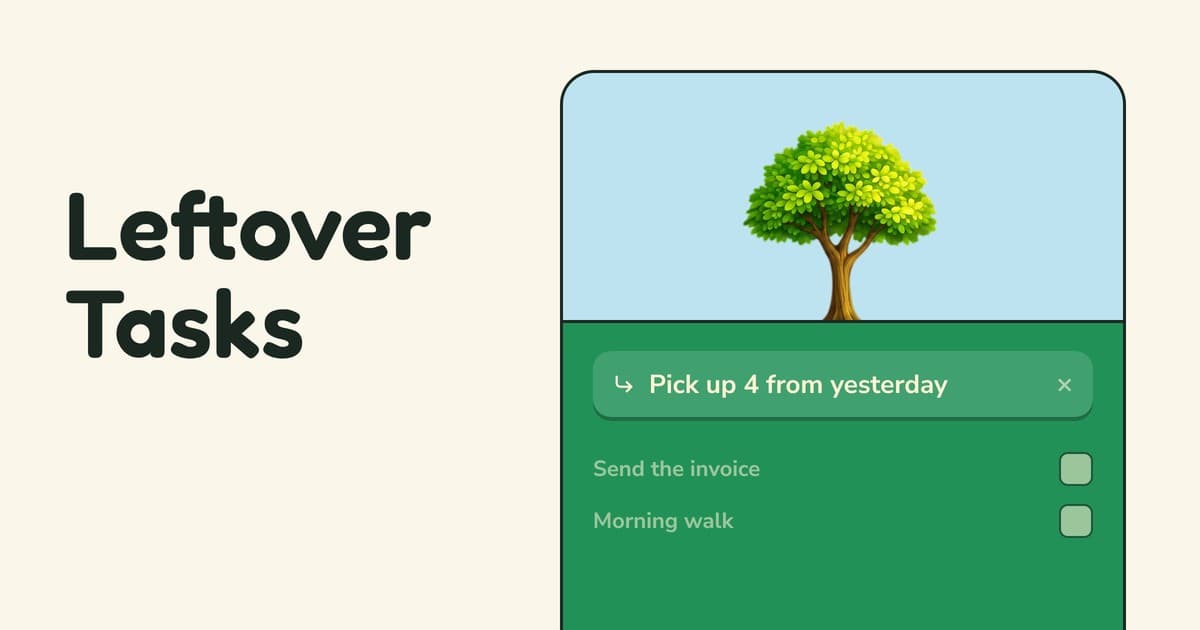
Some days end with a few unfinished tasks. Moving them to tomorrow seems harmless. But do it often enough and the list just keeps building.
Now you have 14 tasks waiting for you. The list stops feeling like a plan and becomes overwhelming. Eventually, you don't even want to open it.
Why leftover tasks weigh more than they should
Even when you're not working on them, unfinished tasks can occupy your mind.
In 2011, E. J. Masicampo and Roy Baumeister found that unfinished goals could distract people even while they were working on other things. But they also found that making a specific plan could reduce those distractions, without having to finish the goal first.
You don't always need to finish a task to get it off your mind. Sometimes, deciding when and how you'll handle it is enough.
"I'll do it tomorrow" sounds like a plan. But when you say it every day, you're just giving the pile a new date.
The rollover trap
Moving everything forward feels responsible. Nothing gets lost. But each move quietly makes tomorrow bigger. And thanks to the planning fallacy, we often underestimate how much time tomorrow's tasks will take in the first place.
So the list grows. A task gets moved 3 times, then 5. The list becomes a pile, and the pile becomes overwhelming.
I've stopped using many to-do lists just because the pile of tasks just got too big. Every time I opened it, I felt guilty about all those unfinished tasks.
How to roll over tasks in any system
- Re-rank, don't append. Leftover tasks should compete with tomorrow's tasks, not sit on top of them. The Ivy Lee method takes a similar approach: decide what matters most and work through your priorities in order.
- Give tomorrow a limit Decide how much you can realistically take on. The 1-3-5 rule suggests 1 big task, 3 medium ones, and 5 small ones. Start with the shape and adjust to fit your day.
- Keep a list for later. Not every important task needs doing tomorrow. Put the rest on a weekly list until you can decide when to tackle them.
- Notice what keeps moving. If you've pushed a task back 3 times, ask why. Is it too big? Does it need breaking down? Is it a priority?
- Let go on purpose. Some tasks no longer matter, life moves on. Deleting them isn't failure. A shorter list you trust is more useful than a longer one you avoid.
The goal isn't to start every day with an empty list. It's to start with a list you can actually use.
How TaskGrower handles leftover tasks
We built Pick up into TaskGrower to help you deal with unfinished tasks without automatically piling them onto tomorrow.
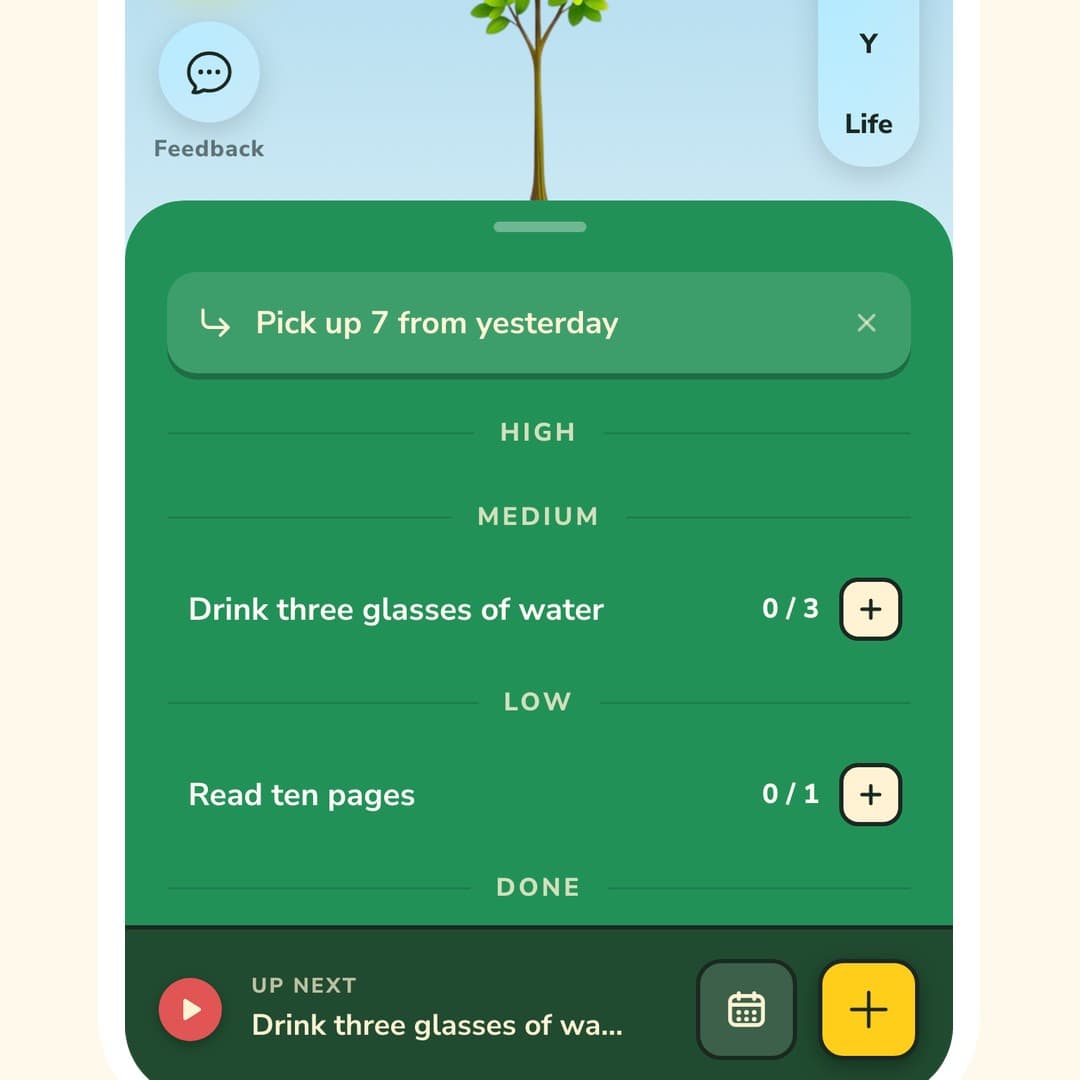
- Your leftovers wait for you. When tasks are left over, a Pick up button sits at the top of your list showing how many and from when they're from. Nothing moves until you say so.
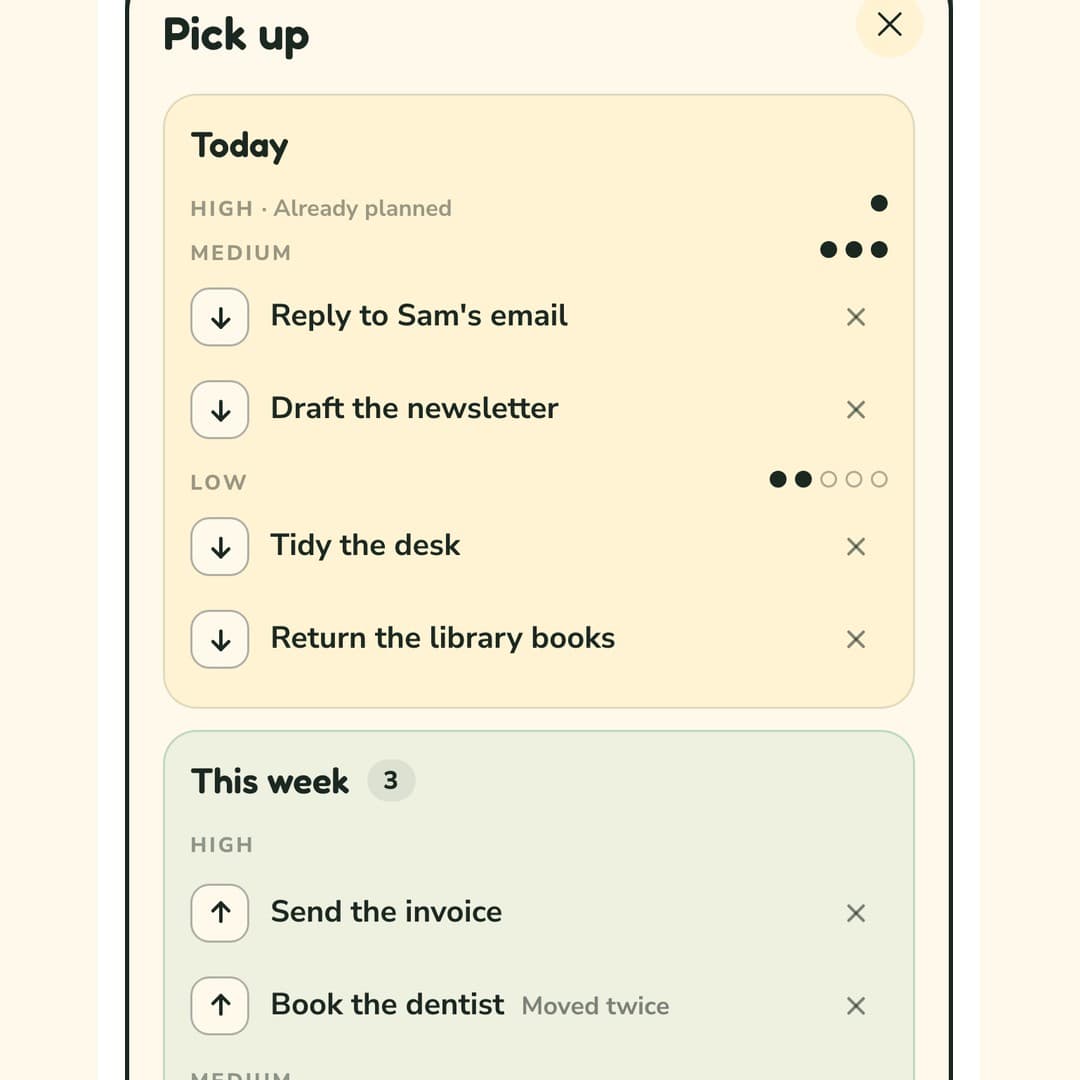
- Already sorted. Tap pick up and your unfinished tasks are already sorted into Today, This Week, and Leave for now. Today's available slots are filled to the 1-3-5 shape. Up to 9 of the next highest priority tasks go into This week, and the rest stay in Leave for now. Easily adjust or tap Done and your leftover tasks are reprioritised.
- Repeatedly postponed tasks stand out Tasks you've moved before are marked such as "Moved twice", and sorted below fresher tasks. You can keep them for later or let them all go in one tap.
- Plan ahead or make it automatic. Swipe to tomorrow to deal with today's leftover tasks in advance, or turn on move automatically in the Settings. Each morning, only what fits today's available 1-3-5 slots moves over. Nothing goes into the week automatically and after 2 automatic carryovers, a task waits for you to decide.
You still get a fresh start each morning, without having to rebuild your list from an overwhelming pile.
New to TaskGrower? Start with how it works.